How to Merge PDF Files into One
Combine PDFs in the order you choose, then check the merged document before sharing.
Watch on YouTube Filerivo
Combine PDFs in the order you choose.
Advanced options · choose a file to unlock
Combine the documents your recipient needs, check the file order, and inspect included pages before sharing one PDF.
Quick mode follows the selected file order. If you enable visual layout, the page arrangement in that editor controls the result. Keep originals and inspect all included pages.
Use the one-page practice cover and the three-page practice document.
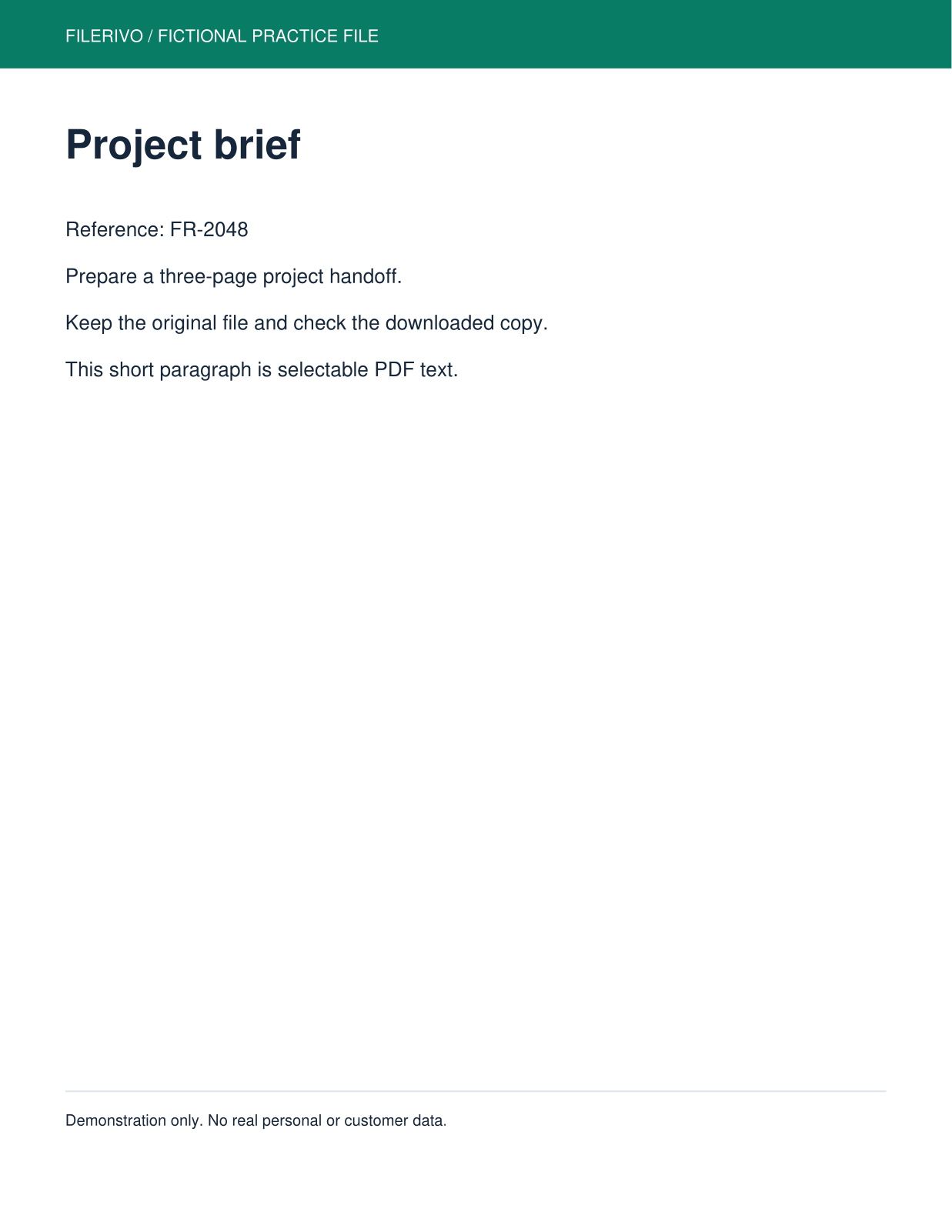
Filerivo-created demonstration files. No real personal or customer data. Settings below are a recipe, not an automatic preset.
Choose Apply after selecting files and setting options. Preview inspects that prepared result; Download saves the same generated file. Apply again after changing files or settings. Keep your original and open important downloads in their intended application.
Load page previews to arrange individual pages across all selected PDFs. Each card identifies its source file and original page. Drag or use move buttons, rotate, and include or exclude pages; Reset layout restores source order, inclusion, and rotation.
Enable Use visual layout for download. Visual edits override the quick file order for output. At least one page must remain included, and the visual editor accepts at most 100 pages across all sources.
Merging does not edit the contents of the original pages. Keep the source files so you can change the packet later. A protected or damaged PDF may fail to open.
Follow the tool in action. The YouTube player loads only when you choose to load it.
Combine PDFs in the order you choose, then check the merged document before sharing.
Watch on YouTubeQuick mode follows the file list. If visual layout is enabled, that page arrangement overrides the quick file order.
Check the Include box on every intended page in the visual editor.
Visual editing supports 100 pages across all source PDFs. Use smaller groups; do not assume splitting a large merge removes device memory limits.
Still stuck? Keep the original and note the tool, file type, approximate size and error message. Contact Filerivo with those details; do not email confidential files.